Why Your Phone Gets Warm While Charging
You plug in your phone before bed, and in the morning the back of it feels noticeably warm. Pick it up during a fast charge and it can feel warmer still. That is usually not a sign that something is broken. It is physics doing what it always does when energy moves from one place to another.
This guide explains where the heat comes from, why fast charging and gaming make it worse, when warmth is a problem, and the simple habits that keep a battery healthier over the years.
No energy transfer is perfectly efficient
A charger does not hand electricity straight to the battery. The wall socket supplies alternating current at a high voltage, the charger converts it to low-voltage direct current, and circuits inside the phone then regulate how much of that power reaches the cell. Every step wastes a little energy, and wasted electrical energy almost always ends up as heat.
The battery itself also produces heat. Pushing lithium ions into the electrode material meets resistance, and the faster you push, the more of the energy turns into warmth instead of stored charge. Typical charging chains are reasonably efficient, often in the range of 80 to 90 percent, which means that a meaningful slice of the power drawn from the wall is released as heat in the charger, the cable, and the phone.
Why fast charging runs warmer
Heat from resistance grows quickly with current. Doubling the current does not double the heat, it roughly quadruples it, because the loss in a resistor scales with the square of the current. That is why a fast charger that delivers a lot of power in a short time makes the phone warmer than a slow one that trickles in the same energy over a whole night.
Manufacturers know this and design around it. Most phones charge fastest when the battery is low and then slow down sharply as it fills. The first stretch takes in power quickly. The final stretch is deliberately slowed so the cell is not stressed, which is why the last 20 percent seems to take almost as long as the first 80.
Charging while using the phone
The warmest phones are usually the ones being used while they charge. Playing a demanding game, recording video, or navigating with the screen at full brightness makes the processor and screen produce their own heat at the same time the battery is producing charging heat. Two heat sources in one thin body with no fan add up quickly.
If you game a lot, the trade-off is real. You may notice the phone slowing its performance to cool down, a behavior called thermal throttling, or even pausing charging until the temperature drops. Both are protective features, not defects. Our guide to why phone batteries wear out covers what heat does to a battery over months and years.
Cases, pillows, and hot places
The surroundings matter as much as the charger. A thick case traps heat that would otherwise spread into the air. A phone charging under a pillow, on a blanket, or on a car dashboard in the sun has nowhere to shed the warmth, so its temperature climbs higher than it would on a hard table.
Phone makers generally describe a comfortable operating range of roughly 0 to 35 degrees Celsius (32 to 95 degrees Fahrenheit) for lithium-ion devices. Staying inside that range most of the time is the single easiest thing you can do for the battery.
When warm becomes a problem
Gentle warmth, like a mug that has been sitting for a few minutes, is normal. Pay attention if any of these happen:
- The phone is too hot to hold comfortably, even when you are not using it.
- The case or back of the phone is swelling, lifting, or no longer sits flat.
- You notice a burning or chemical smell.
- The battery drains unusually fast, or the phone shuts down at high percentages.
Swelling and smell are the serious ones. A swollen battery should be treated as a safety issue: stop charging, stop using the phone, and take it to a repair shop or the manufacturer. Do not press on it or try to open it yourself.
Cheap chargers and damaged cables
Certified chargers and cables include circuitry that talks to the phone and agrees on a safe voltage and current. Very cheap, uncertified ones may skip that conversation or regulate poorly, which can cause extra heat and stress the battery. A frayed cable or a bent connector can also create resistance at the damaged spot, and resistance means heat right where the plug meets the phone.
If one particular cable always feels warmer than others, or the plug feels hot, that is a good reason to replace it. It costs far less than a new phone.
Habits that keep the battery healthier
None of these tricks is complicated, and you do not need to follow all of them.
- Charge on a hard, open surface. A desk or a stand is better than a bed or a sofa.
- Take off a thick case when you are fast charging, or if the phone often feels hot.
- Avoid heavy use while charging. Save gaming and video recording for when you are unplugged.
- Use the optimized or limited charging option if your phone has one. Many phones can learn your routine and hold the charge near 80 percent until shortly before you wake up.
- Keep it out of direct sun and hot cars. A parked car can get far hotter than the air outside.
- Use a good charger and cable from a known brand or the one that came with the phone.
Holding the charge below 100 percent is not only about heat. Lithium-ion cells age faster when they sit at a very high charge, especially when they are also warm. That combination is exactly what happens when a phone sits at 100 percent on the charger all night.
Wireless charging runs warmer
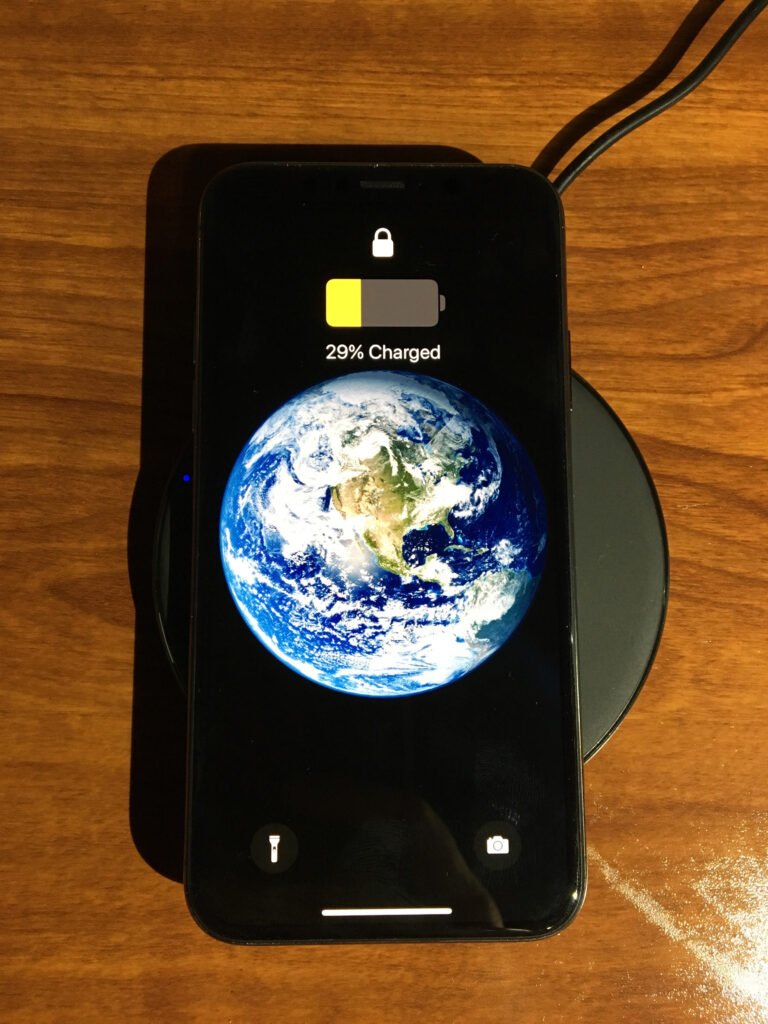
Wireless charging is convenient, but it is less efficient than a cable because some energy is lost in the air gap between the coils. That lost energy appears as extra heat in both the pad and the phone. If your phone feels hotter on a wireless pad than on a cable, that is expected. Lining the phone up properly with the coil helps, since misalignment wastes even more energy.
Quick answers
Is it bad to charge my phone overnight?
Not dangerous on a modern phone, because the charging circuit stops when the battery is full. But sitting at 100 percent while warm slowly ages the battery, so a charge limit or optimized charging is a good idea if your phone offers one.
Does a warm phone mean my charger is bad?
Not by itself. Some warmth is normal, especially with fast charging. A charger or cable is suspect if it is much hotter than others you have used, or if the phone becomes uncomfortably hot even on a hard surface with no case.
Should I put my phone in the fridge to cool it?
No. Rapid cooling can cause condensation inside the phone. Move it into the shade, remove the case, and let it cool at room temperature.
The short version
- Charging turns some energy into heat in the charger, cable, and battery, so warmth is normal.
- Fast charging and using the phone while it charges make it warmer.
- Thick cases, pillows, and hot places trap heat, so charge on a hard open surface.
- A swollen battery, a burning smell, or a phone too hot to hold needs attention right away.
- A charge limit and a good cable are the easiest ways to protect the battery.